

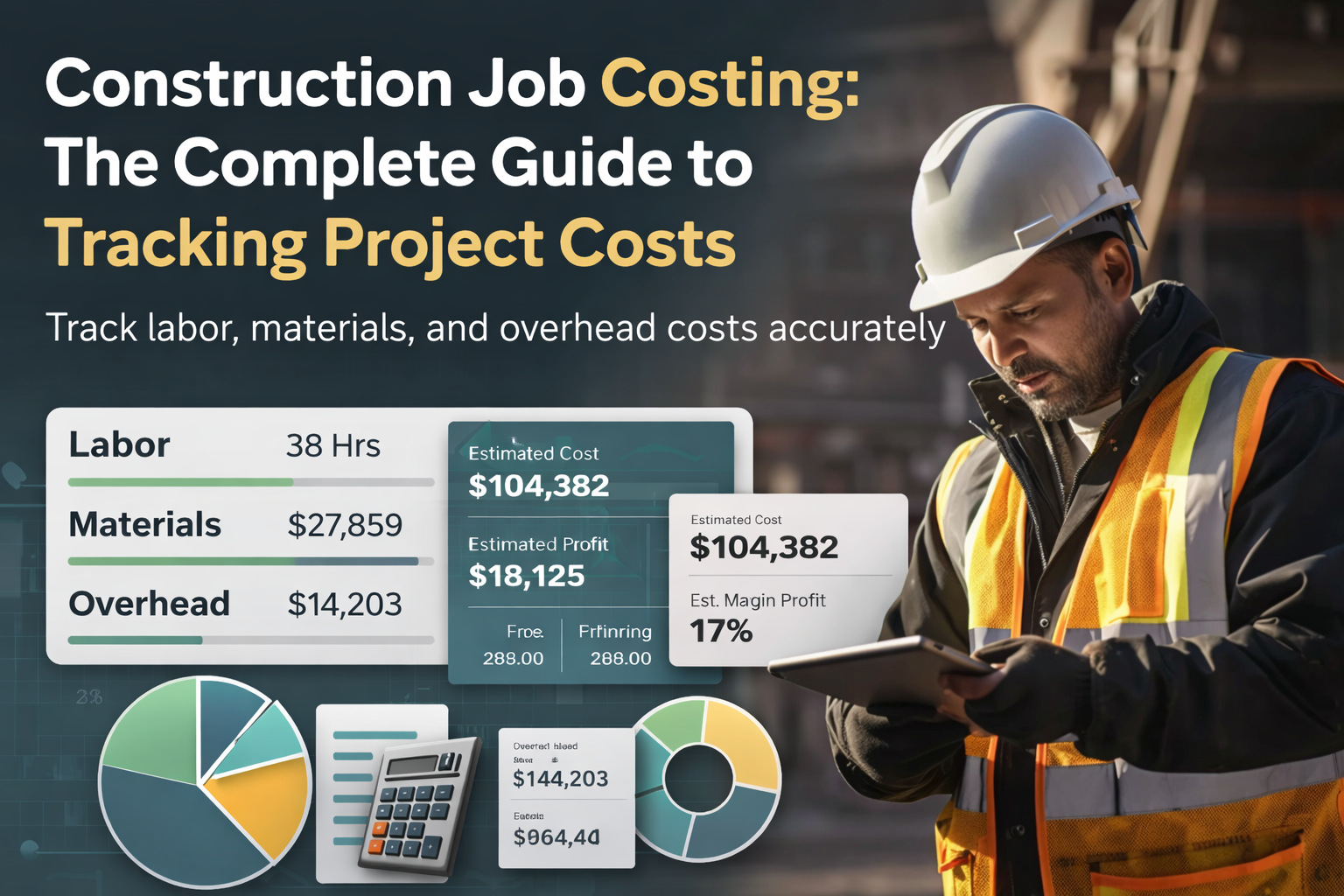
If you run a construction business, you already know the feeling: a job that looked profitable on paper somehow barely breaks even once the dust settles. The bid was solid, the crew worked hard, and yet the margin evaporated somewhere between the estimate and the final invoice.
That gap between what you expected to make and what you actually made is exactly what construction job costing is designed to close.
Job costing is the practice of tracking every dollar spent on a construction project — labor, materials, and overhead — so you can see exactly where money goes, catch overruns before they spiral, and bid your next job with confidence instead of guesswork.
Why This Matters
A QuickBooks study found that 1 in 4 construction companies risk insolvency after just two or three unprofitable projects. For contractors doing under $5M in annual revenue, a single bad job can wipe out an entire quarter’s profit.
This guide walks through everything you need to set up and run job costing at your construction business — from understanding the core cost categories to building your first job cost report. Whether you’re tracking costs in a spreadsheet, in QuickBooks, or in dedicated software, the principles are the same.
Construction job costing is a method of accounting where every expense — every hour of labor, every load of materials, every permit fee — is tracked and assigned to a specific project. Instead of lumping all your costs together and hoping the total revenue covers them, job costing gives you a project-by-project financial picture.
Think of it this way: your general bookkeeping tells you whether your business made money last month. Job costing tells you whether each project made money — and if not, exactly which cost category caused the problem.
For small contractors, this distinction is critical. You might be running five jobs simultaneously. Three are profitable, one breaks even, and one is hemorrhaging money on overtime labor. Without job costing, your monthlyP&L might still look fine. But that one bad job is training you to repeat the same estimating mistake on every similar project going forward.
If you’ve looked into accounting methods, you’ve probably encountered process costing as an alternative. Here’s the key difference:
For construction companies, job costing is the clear choice. Every project has different materials, different crew requirements, different timelines, and different overhead needs. Process costing simply cannot capture that variation.
Before diving into the three main cost categories, it helps to understand the distinction between direct and indirect costs, because both show up in every category.
• Direct costs are tied to a specific job. The lumber for the Smith kitchen remodel. The electrician you subbed out for the Jones rewire. The dumpster rental sitting in the driveway of 42 Oak Street.
• Indirect costs support your business overall but can’t be pinned to a single project. Your truck insurance. Your office rent. The bulk box of screws you bought at the supply house that gets used across five different jobs.
Both types need to be accounted for in job costing. The direct costs are straightforward — you assign them to the job they belong to. The indirect costs require an allocation method, which we’ll cover in the overhead section below.
Every construction job cost falls into one of three buckets. The master formula is simple:
TotalJob Cost = Labor + Materials + Overhead
The challenge isn’t the formula — it’s making sure nothing gets missed within each category. Here’s what belongs in each one.
For most construction businesses, labor is the largest single expense — and the one most likely to blow up a budget. Labor costs include everything it takes to put workers on a job site:
• Hourly wages or day rates for your crew
• Overtime pay (time-and-a-half adds up fast during crunch weeks)
• Subcontractor invoices(plumbing, electrical, HVAC, etc.)
• Payroll taxes (employer-sideFICA, unemployment)
• Benefits and insurance(workers’ comp, health insurance, retirement contributions)
The Burden Rate Problem
A common mistake is bidding labor at the bare hourly wage. In reality, your true labor cost — called the burden rate — is typically 25–40% higher than the hourly wage once you add payroll taxes, workers’ comp, benefits, and other employment costs. A worker making $35/hour actually costs you $44–$49/hour. If you bid at $35, you’re losing money one very hour they work.
Tracking labor accurately means capturing hours daily (not reconstructing them from memory on Friday afternoon) and assigning every hour to the correct job. For a deeper look at how to calculate your true labor cost, see our labor burden calculator.
Materials are the second major cost category. They split into two subcategories:
• Direct materials are purchased for a specific job: the tile for a bathroom remodel, the 2x4s for a framing job, the concrete for a foundation pour. These are easy to assign — the receipt or PO tells you which job it’s for.
• Indirect materials are consumables used across multiple jobs: fasteners, tape, caulk, sandpaper, blades, safety equipment. These are harder to assign and are often included in your overhead rate instead.
The “disappearing materials” problem is real on construction sites.Lumber walks off. Boxes of fixtures arrive short. A crew member grabs materials from one job to solve a problem on another. The fix is simple (but requires discipline): every material purchase gets a PO number or receipt, and gets logged to a job the same day it’s purchased or delivered.
Overhead is everything it costs to run your business beyond labor and materials. Like materials, overhead splits into direct and indirect:
• Direct overhead changes with each project: permits, equipment rental, dumpster fees, portable toilets, temporary power, project-specific insurance.
Indirect overhead is the cost of keeping your business running regardless of any particular job: office rent, bookkeeper salary, vehicle payments, marketing, general liability insurance,
The most common job costing mistake for small contractors is not including overhead in their bids at all. They calculate labour and materials, add a profit margin, and submit the number. But if your indirect overhead runs 15–20% of revenue (which is typical), you’re giving away your entire profit margin without realizing it.
The standard approach is to calculate an overhead rate and apply it to every job. A simple formula:
If your business has $120,000 in annual indirect overhead and$800,000 in revenue, your overhead rate is 15%. That means a job with $100,000in direct costs should be charged $15,000 in overhead allocation — before youadd your profit margin.
Calculating job costs is straightforward once you have your numbers organized. For each project, you’re summing three totals:
Then compare the total job cost against the contract price. The difference is your gross profit on that project.
Let’s walk through a realistic example. A residential contractor bids a master bathroom remodel at $185,000. Before the job starts, they estimate their costs as follows — and here’s what actually happened:
The contractor bid the job at $185,000 and estimated total costs at$157,250 — expecting a gross profit of $27,750 (a 15% margin). But actual costs came in at $166,865, dropping the gross profit to $18,135 (a 9.8% margin).
That’s still profitable, but the margin was nearly cut in half.Without job costing, this contractor would have cashed the final check, seen money in the account, and assumed everything went fine. The erosion would have been invisible.
Where did the money go?
The lesson: The single biggest margin killer was the tile upgrade that wasn’t captured as a formal change order. If the contractor had priced that change at the time it happened and adjusted the contract accordingly, the job would have hit its 15% margin target. This is exactly the kind of insight job costing gives you — and exactly the kind of insight you miss without it.
If you’re not currently tracking job costs (or you’re doing it loosely), here’s how to get started without overcomplicating things.
Cost codes are the categories you’ll use to organize expenses within each job. Think of them as labels that tell you what type of cost something is.
The construction industry has a standard system called CSIMasterFormat, but for a small contractor, you don’t need all 50+ divisions.Start with 15–25 codes that match your typical work. For example:
The key is consistency:once you define your codes, use the same ones on every job. This is what allows you to compare costs across projects and spot trends. For a comprehensive codes tructure, see our construction cost codes guide
You have three main options, each with real tradeoffs:
Even if you plan to use software, start with a template to understand the structure. A good job costing template includes: the project name and contract value, your cost code categories, columns for estimated vs.actual costs, a running variance column, and a summary showing gross profit and margin percentage.
Download our free construction job costing template to start tracking your next project today.
Job costing only works if the data is accurate, and that means your field team needs to be on board. The biggest resistance point is always time tracking — crews don’t want to fill out timesheets, and foremen don’t want to police it.
The fix is making it as frictionless as possible. Mobile time-tracking apps (even free ones) beat paper timecards. Daily logs that take5 minutes beat weekly reconstruction from memory. And the single most important habit to build: capture costs the same day they happen, not at the end of the week or month.
Job costing and construction accounting are deeply connected, but they’re not the same thing. Job costing is about tracking costs at the project level. Construction accounting is about how those project-level numbers flow into your financial statements, tax filings, and cash flow management.
A few accounting concepts are particularly relevant for contractors
using job costing:
For a deeper dive into how job costing integrates with construction accounting standards, see our construction job cost accounting guide.
QuickBooks Online Plus and Advanced offer a “Projects” feature that allows you to assign income and expenses to specific jobs. It’s a practical starting point for small contractors who already use QuickBooks for their books. The basic setup involves creating a Project for each job, assigning all income and expenses to that project, and running QuickBooks’ built-in project profitability reports. The limitation is that QuickBooks doesn’t natively support construction-specific workflows like change orders, AIA-style billing, or cost code hierarchies.
We’ve written a step-by-step guide to setting up job costing in QuickBooks that covers both QuickBooks Online andQuickBooks Desktop.
Data without reports isjust numbers. The whole point of tracking job costs is to produce reports that help you make better decisions — both during a project and after it’s complete.Here are the four reports every contractor should be reviewing:
The cadence matters as much as the reports themselves. Review budget vs. actual weekly on active jobs. Run your WIP monthly. Do a full job profitability post-mortem within two weeks of project completion — while the details are still fresh.
For templates and detailed walkthroughs of each report type, see our construction job cost report guide.
At some point, spreadsheets stop scaling. When you’re juggling moret han a few active jobs, manually entering data and building reports becomes itsown part-time job. That’s when dedicated construction job costing software starts to make sense.
Here’s what to look for in a solution, especially if you’re a sub-$5M contractor:
Tools like Ontraq are built specifically for small contractors who need job costing, time tracking, and QuickBooks integration without enterprise complexity. For a full comparison of the leading options, see our construction job costing software comparison and buyer’s guide.
Job costing is an accounting method where every expense — labor, materials, and overhead — is tracked and assigned to a specific construction project. It gives contractors a detailed financial picture of each individual job, rather than just an overall business view.
The core formula is: Total Job Cost = Labor + Materials + Overhead.Labor includes wages, burden, and subcontractor costs. Materials include all direct and indirect materials. Overhead includes project-specific costs plus an allocation of your general business overhead.
Job costing tracks costs for individual, unique projects (like construction jobs). Process costing averages costs across large volumes of identical products (like manufacturing). Construction companies should always use job costing because every project has different requirements, timelines, and cost structures.
In QuickBooks Online Plus or Advanced, use the Projects feature to create a project for each job, assign all income and expenses to that project, and run the built-in project profitability reports. QuickBooks Desktop uses a similar job/sub-customer structure. See our full QuickBooks job costing setup guide for detailed instructions.
Everything that contributes to completing the project: crew labor and burden costs, subcontractor invoices, all materials (direct and indirect),permits, equipment rental, and an allocation of your indirect overhead(insurance, office costs, vehicle expenses, etc.).
Calculate your annual indirect overhead (rent, insurance, admin salaries, vehicle costs, etc.) and divide by your annual revenue. This gives you an overhead rate percentage. Apply that percentage to each job’s direct costs. For example, if your overhead rate is 15% and a job has $100,000 indirect costs, allocate $15,000 in overhead to that job.
Cost codes are standardized categories used to classify expenses within a job — like framing, plumbing, electrical, or finishes. They allow you to compare costs across projects, identify trends, and produce meaning full reports. The industry standard is CSI MasterFormat, but most small contractors use a simplified version with 15–25 codes. See our cost codes guide for a complete breakdown.
Small contractors operate on thin margins and can’t absorb unprofitable projects the way larger firms can. Job costing reveals exactly where money goes on each project, allowing you to catch overruns early, price change orders properly, bid future jobs more accurately, and ultimately protect your profit margin
Ready to start tracking your project costs? Download our free job costing template to get started today, or explore how Ontraq can simplify job costing for your construction business.


 Receipts ManagementAccounts PayableGPS TimsheetsActual vs. BudgetsReal time ProfitabilityQuickBooks IntegrationTrack job profits in real timeStop chasing paperworkKnow where your crews areKeep QuickBooks current automaticallyAutomate document collectionReal Time Job costingClose books fasterAI BookkeepingJob Costing
